What Do Children Learn Through Coding and Robotics in Primary School?
What happens when a child’s carefully planned instructions send a character in the wrong direction? In a coding activity, that mistake becomes the start of the learning process.
Imagine a primary school student guiding a character through a maze using colourful command blocks. The character turns the wrong way and hits a wall. The student checks the instructions, changes the turn command, and tries again. This time, the character reaches the finish.
Give Your Child the Best Start in Life
Admissions are now open for 2027–28. Secure your child's place at one of Bangalore's top CBSE schools.
Apply for Admission
That small correction involves more than learning to use a computer. The child has to recognise a problem, work out what caused it, and test a better solution. These are some of the practical skills children begin to practise through coding and robotics in primary school. By turning abstract ideas into visible results on a screen or through a moving robotic model, these activities help young learners practise logical thinking, patience, and creative problem-solving.
Understanding the Basics of Coding
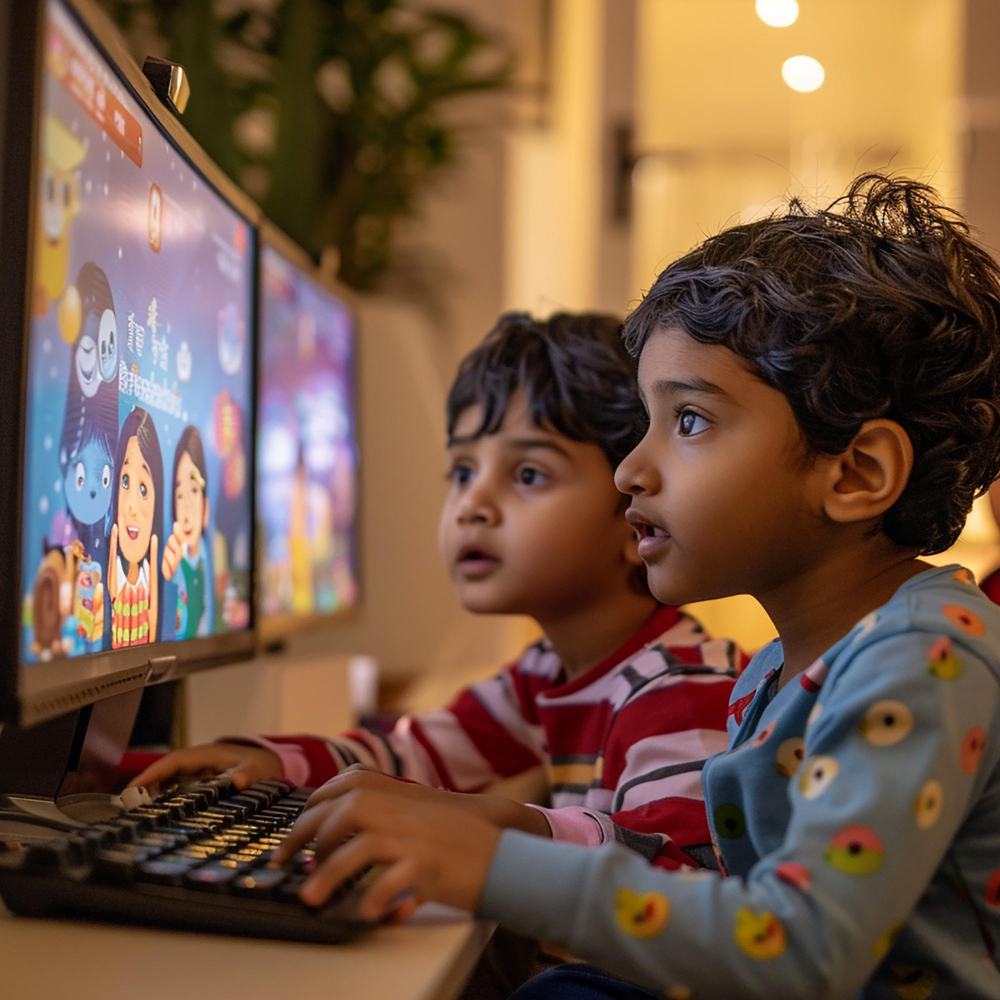
Learning to code in primary school is not about memorising lines of complex text. Instead, it begins with age-appropriate visual tools and block-based programming environments such as Scratch and ScratchJr. For children moving up from pre-primary schools in Bangalore, these first lessons often build on the sorting, pattern and sequencing games they already know.
Through these visual tools, children explore the fundamental logic that powers everyday technology:
- Sequences: Arranging instructions in a clear order to carry out a specific action.
- Loops: Repeating actions efficiently without writing the same command multiple times.
- Conditions: Setting up simple “if-then” rules so a program responds differently based on a specific trigger or input.
By snapping visual blocks together like puzzle pieces, young students see how software operates. When a character moves in response to their instructions, children can see how the order of commands affects the result.
Experience Our Campus Firsthand
See our world-class facilities, meet our faculty, and understand what makes CMR Gandhi special. Book a free campus tour today.
Book Campus Tour
Developing Computational Thinking and Problem-Solving Skills
One of the most valuable outcomes of early technology education is computational thinking—a way of breaking a problem into steps and working through them in order.
Instead of feeling overwhelmed by a multi-step assignment, students learn to apply a structured approach:
Download Our Brochure
Explore our programs, facilities, and learning approach at CMR Gandhi. Free download for parents.
Get Free Guide
- Decomposing Tasks: Breaking a large challenge into smaller, manageable steps.
- Planning Ahead: Mapping out a clear sequence of actions before building a model or starting a program.
- Testing and Refining: Observing what happens during an initial attempt and trying a different sequence if the outcome does not match their goal.
This step-by-step process teaches children that when an initial idea fails, they can systematically review their work, adjust their instructions, and try again.
Learning Basic Engineering Through Robotics
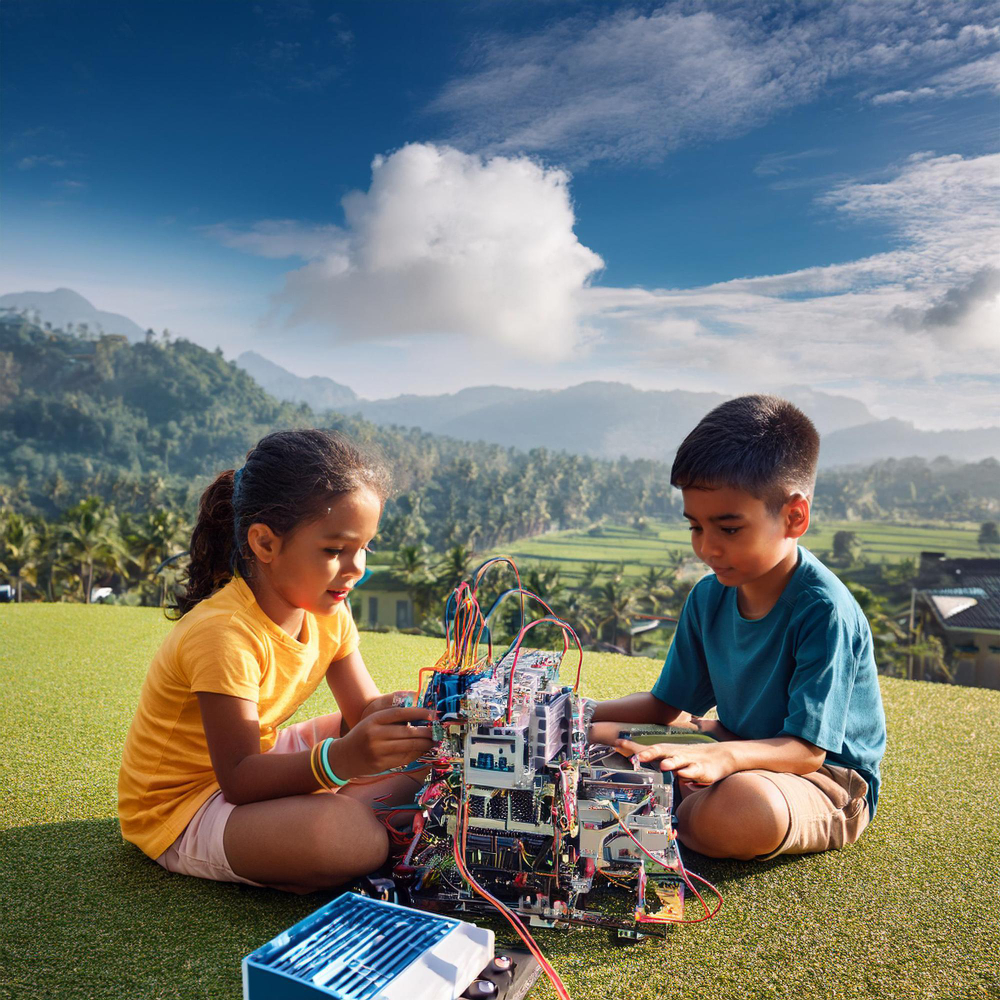
While coding provides the digital instructions, robotics brings those commands to life in the physical world. Robotics for primary school students introduces them to foundational engineering concepts through hands-on construction.
Simple robotics kits let children work directly with the parts that make a robot run:
- Motors: Children see how electrical power turns wheels, lifts arms and spins gears.
- Sensors: A robot uses sensors to detect light, distance or touch, so children can program it to react, for example by stopping before it hits a wall.
- Controllers: The controller is the small computer that stores the child’s program and tells the motors and sensors when to act.
When a student programs a model car to stop after its sensor detects an obstacle, the connection between code and physical movement becomes easier to understand.
Strengthening Maths and Science Concepts
Coding and robotics give children a chance to apply classroom concepts, providing a practical environment to connect textbook lessons with physical experiments.
Activities that build robotics skills for children can also reinforce important maths and science concepts:
- Mathematical Applications: Commands naturally involve counting, grid coordinates, spatial awareness, estimation, and precise measurement, such as programming a robot to travel a specific distance.
- Scientific Principles: Assembling and testing robotic models lets students observe physical forces, movement, and cause-and-effect relationships firsthand, helping them connect classroom explanations with what they observe during an experiment.
Rather than memorising definitions on paper alone, primary students explore these concepts through direct experimentation, reinforcing their classroom understanding through experience.
Learning Through Debugging and Experimentation
In traditional school tasks, making a mistake can feel like a setback. In coding and robotics lessons, however, errors—commonly called “bugs”—are an expected and helpful part of the learning process.
When a program does not run as intended or a robotic model strays off course, students practise a calm, systematic debugging routine:
- Observe: Identify the exact point where the code or robot stopped performing as expected.
- Adjust: Change a single instruction, swap a component, or alter a parameter.
- Re-test: Run the task again to see if the adjustment resolved the issue.
This trial-and-error method develops patience, persistence, and independent thinking. Children learn that an error is simply a clue showing which instruction needs to be changed.
Encouraging Creativity and Innovation
Although technology relies on clear logic, coding and robotics also offer a way to turn children’s own ideas into stories, games, and working models.
When given an open-ended project, primary students can:
- Design interactive digital stories, moving characters, and custom mini-games.
- Build physical robotic models designed to navigate a specific marked route or move an object.
- Combine art, storytelling, and mechanical building into a single project.
STEM learning through robotics helps children discover how imagination and structured thinking can work together. They can plan a design, build a model, and test whether it performs the intended task, showing them that their ideas can come to life through their own effort.
Building Teamwork and Communication Skills
Robotics and coding projects are rarely done entirely in isolation. Group activities encourage small teams of students to work together towards common goals.
Collaborative projects help children practise vital social skills:
- Sharing Ideas: Discussing different ways to solve a problem and agreeing on a shared plan.
- Rotating Roles: Taking turns assembling parts, arranging code blocks, and testing the finished model.
- Explaining Solutions: Demonstrating how their robot works and describing their process to classmates and teachers.
As children compare ideas and explain their designs, they practise listening, communicating, and working towards a shared goal.
Coding and Robotics at CMR Gandhi Public School
A character moves across a screen, a sequence runs as planned, or a robotic model responds to a command. At CMR Gandhi Public School, technology learning gives students opportunities to explore these connections through guided activities.
The school’s published academic information describes access to dedicated Technology and Robotics Labs from Grade 1, with instructors guiding students as they explore technology. Its technology programme also identifies Scratch and Scratch Junior as introductory coding platforms. Through visual programming, children can begin understanding how instructions control what happens on a screen. Robotics activities extend this learning into physical construction and movement.
Technology exposure is supported by other learning resources. The school describes weekly computer lab sessions that introduce students to computer functions and their practical uses, alongside weekly AV-room sessions that use visual material to explain selected subjects. Its published STEAM content also discusses hands-on robotics, component assembly, and experiments involving sensors and motors, connecting technology with mathematics, science, and creative thinking.
This approach complements the school’s wider educational offering. Its Montessori programme for Pre-Nursery to UKG emphasises hands-on learning, independence, and early problem-solving, while the primary programme builds on children’s developing academic and practical skills.
For parents comparing the best primary schools in Bangalore, access to technology is one consideration alongside teaching methods, academic foundations, and opportunities for experiential learning. Families researching primary schools in Marathahalli, Bangalore, can use these same factors when comparing schools in different neighbourhoods. Parents exploring pre schools in Sarjapur Road may also want to understand how a school supports the transition from early childhood learning to primary education.
Located on Sarjapur Road, CMR Gandhi Public School offers Montessori and CBSE education, with technology and hands-on learning forming part of its published educational approach. Parents can contact the school directly to learn about current coding and robotics activities available for their child’s grade.
Conclusion: Preparing Young Minds for the Future
Introducing coding and robotics in primary school is not about turning every child into a professional software developer or engineer. Instead, it equips young learners with practical cognitive habits that serve them across all subjects. Whether a child is arranging code blocks, building a model, or correcting an unexpected result, each activity offers practice in thinking carefully and trying again—habits that support learning well beyond the technology lab.
Frequently Asked Questions
What skills do children learn from coding and robotics?
Children develop logical reasoning, spatial awareness, basic engineering principles, and computational thinking. Working on group projects also builds essential social skills, including teamwork, clear communication, patience, and resilience when solving problems.
What age is suitable for introducing coding and robotics?
Depending on their readiness and the specific activities offered, children can often begin exploring basic coding concepts around ages 5 or 6 (Grade 1). At this early primary stage, learning relies on unplugged logic games, tactile building activities, and visual, block-based programming tools that do not require complex typing skills.
Is robotics useful for primary school students?
Yes. Robotics makes abstract concepts visible and physical. By seeing how software commands make a physical motor spin or a sensor react, primary students can immediately observe the real-world results of their instructions.
Does coding improve children's problem-solving skills?
Coding gives children regular practice in breaking complex tasks into smaller steps, testing instructions systematically, and correcting errors when results do not match expectations. This structured approach helps strengthen general problem-solving habits over time.
Can coding and robotics support maths and science learning?
Yes. Coding and robotics reinforce core classroom subjects through practical application. Students explore mathematical and scientific principles—such as counting, angles, measurement, direction, movement, and cause-and-effect relationships—directly through hands-on building and testing.